
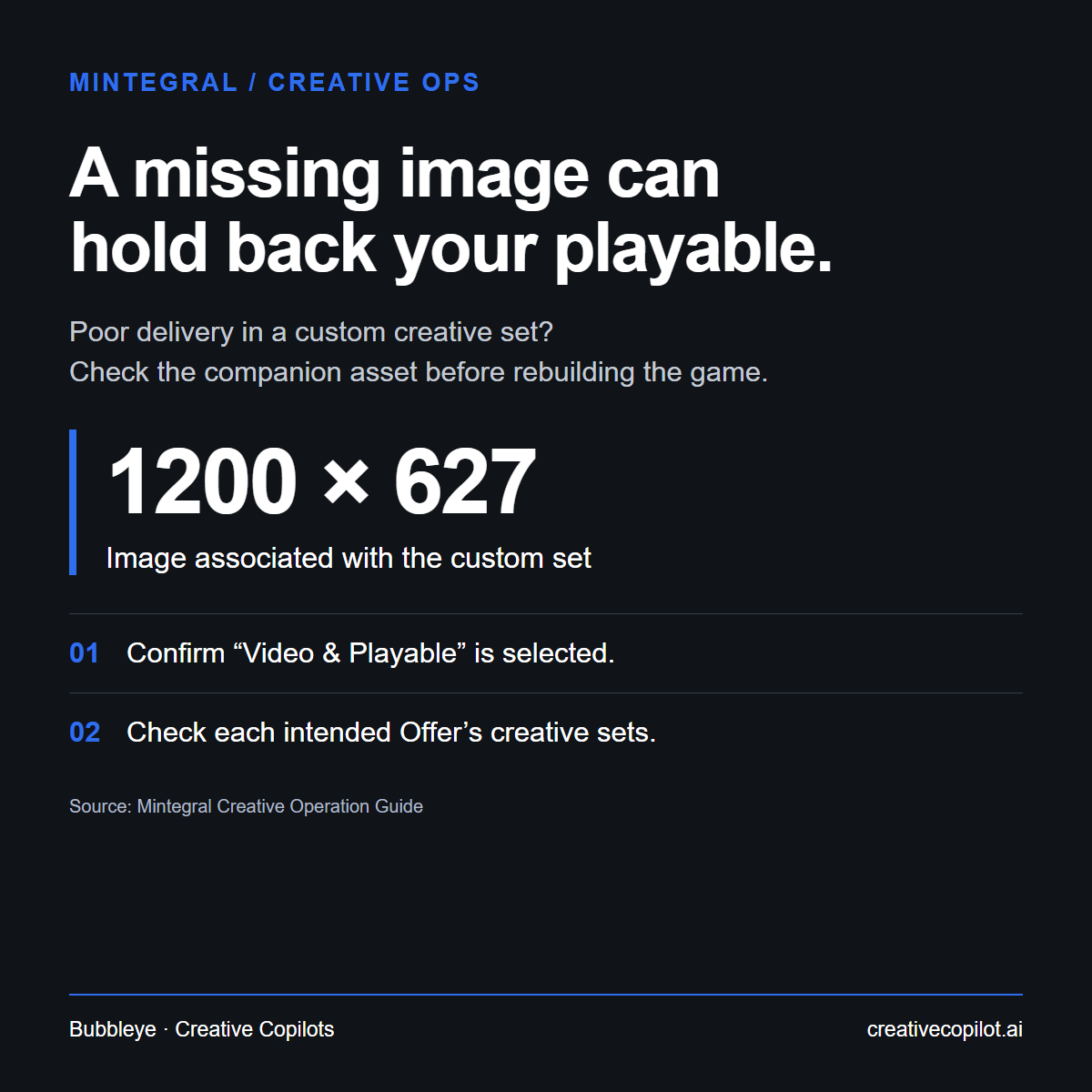
Custom creative sets containing video and playable assets can deliver poorly when the 1200×627 companion image is missing.
Before sending the playable back to production, check the set's image association and confirm “Video & Playable” is selected under Ad Output. Adding the image can automatically select that output; Mintegral still recommends checking it.
Running the same playable on several Offers? Each Offer has its own copy of the creative set, so check every copy: fixing one doesn't fix the others.
Our creative-ops takeaway: make the review unit "Offer × Creative Set", with columns for companion image, selected output and playable association. That turns a one-off diagnosis into a repeatable batch check as creative volume grows.
Save this check for your next Mintegral playable rollout.